3-page free BEP sample
A short look at the structure of the BIMVERSE360 BEP.
Download free sample ↓ BIMVERSE360
 / TOOLS & DOWNLOADS
A Revit setup tool and practical BEP examples for a more connected delivery workflow.
REVIT ADD-IN · BY BIMVERSE360
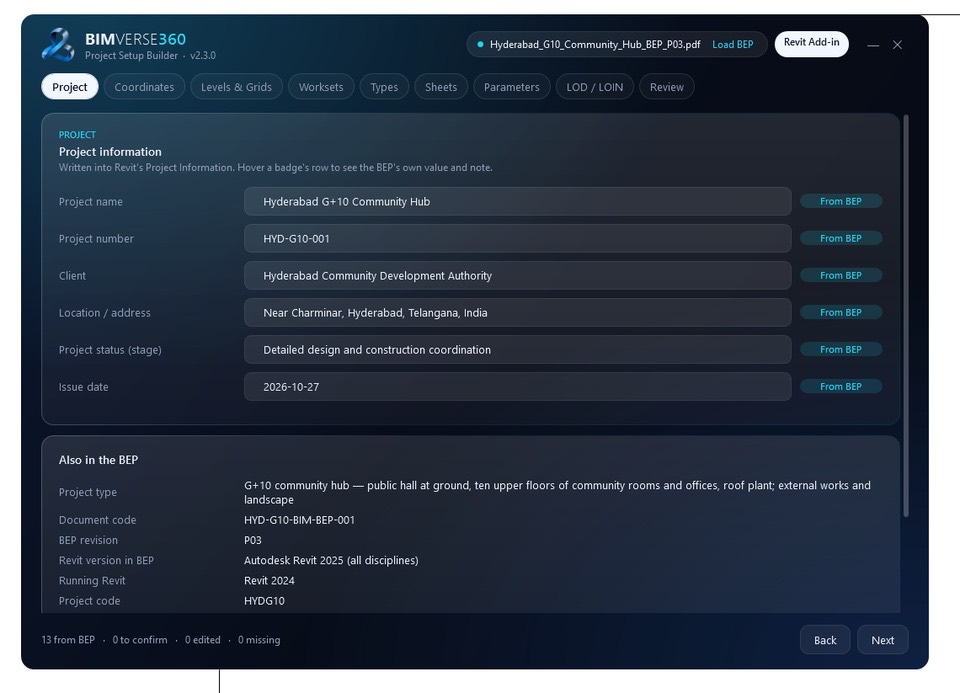
Bring your BIM Execution Plan into Revit project setup. Load a BEP and review project information, coordinates, levels and grids, worksets, sheets and information requirements in one guided workflow.
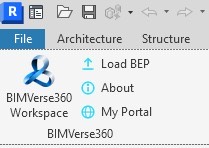
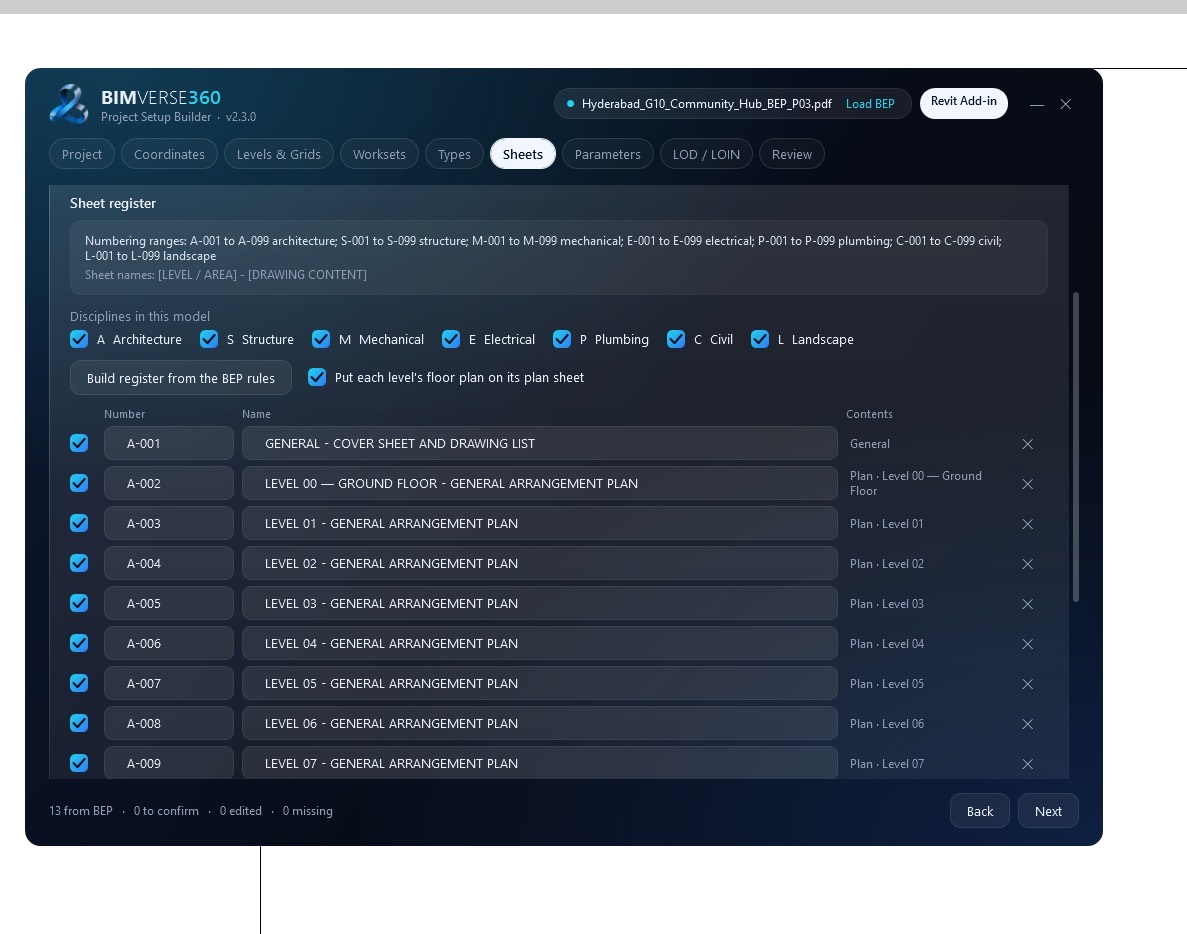
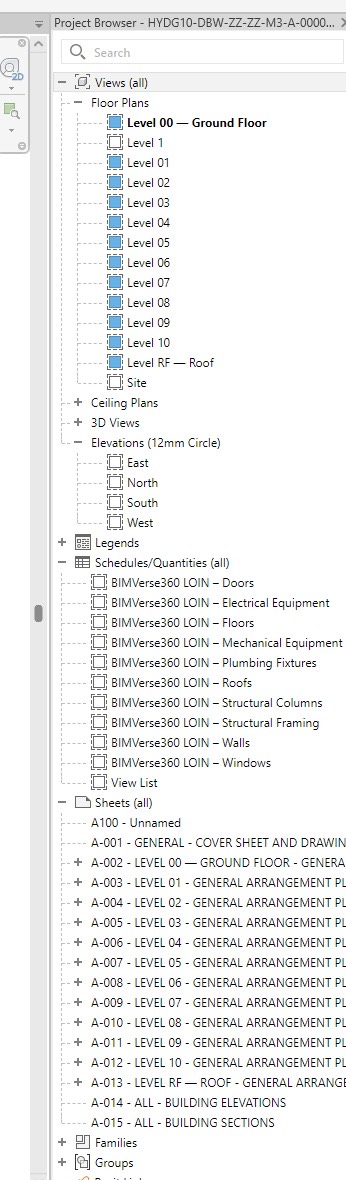
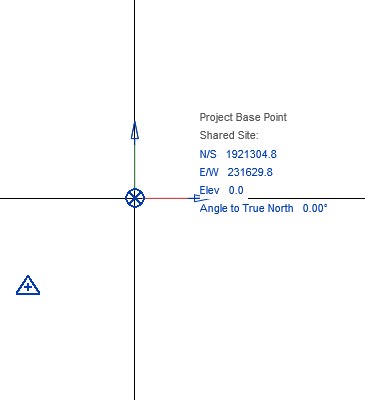
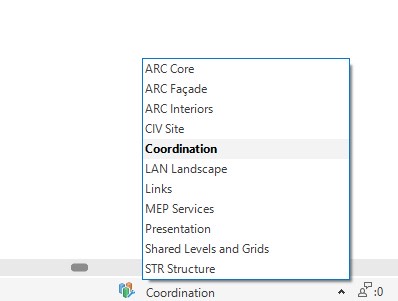
The screenshots show the add-in’s Project Setup Builder interface.
Release notes awaiting confirmation.
If Windows shows a security warning, choose More info → Run anyway. Until the installer is code-signed, only proceed after checking the download source.
SHA-256: Pending — verified checksum not yet supplied
FREE EXAMPLES · NO LOGIN REQUIRED
A short look at the structure of the BIMVERSE360 BEP.
Download free sample ↓An example of a finished BEP made with BIMVERSE360, showing how project information comes together.
Download completed BEP ↓If the embedded preview is unavailable, open it in a new tab.
Open completed BEP preview ↗FREQUENTLY ASKED
Yes. A free BIMVERSE360 account is required to download it. No paid BEP membership is needed.
The compatibility list is awaiting confirmation. Check the version details above before installing. The supplied workflow screenshots show Revit 2024.
The installer is not yet code-signed. If Windows shows a security warning, choose More info → Run anyway after checking the source. A SHA-256 checksum will appear above when a verified value is supplied.
We record your account identifier, email, plugin version and download request time so we can count requests and understand who uses each release. See our Privacy Policy.
No. The three-page free sample and the completed Hyderabad G10 Community Hub (P03) example are public, with browser previews and download links.
Yes. Download or preview the BEP samples from your phone. You can also save the installer, but running Datum Builder requires Windows and a supported Revit installation.